Puzzles ·
The puzzles talk back now
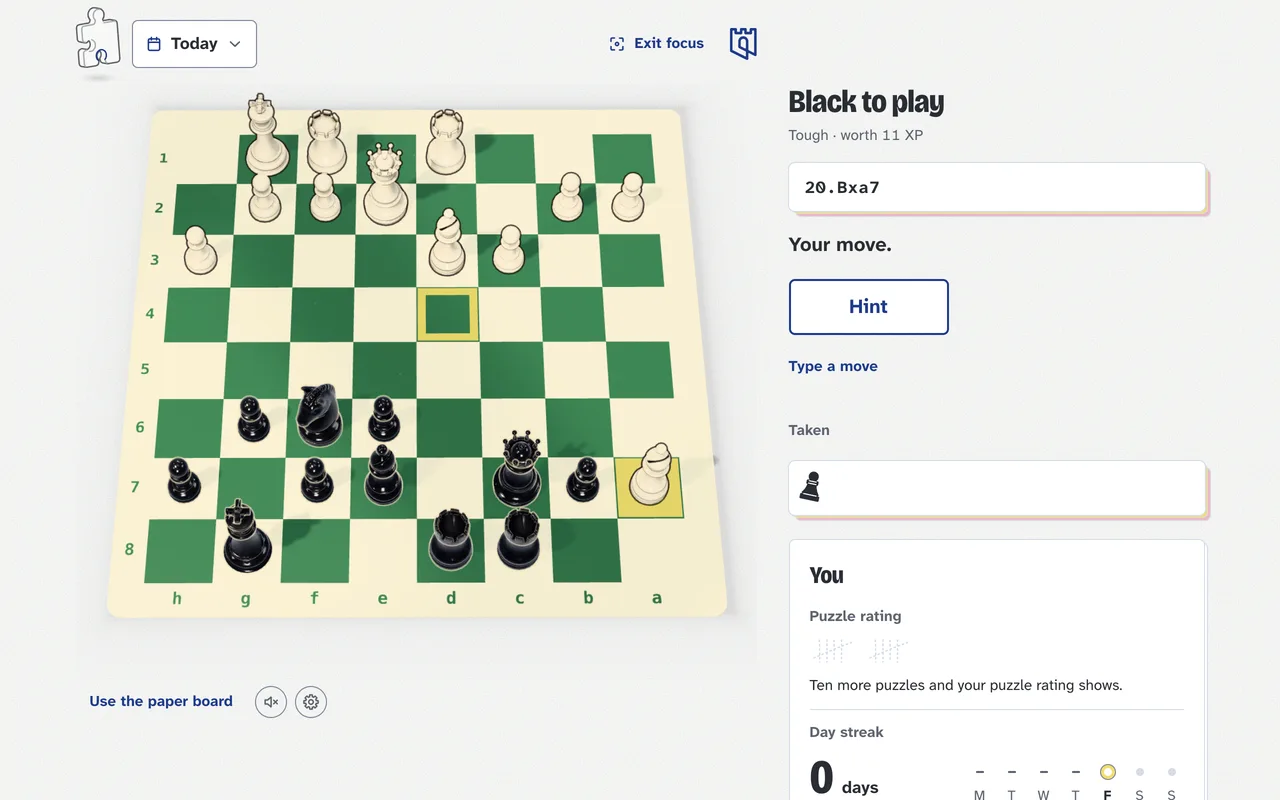
Turn the sound on and the puzzles say a few words as you play: a nod when you find it, a nudge when you don't, and the idea once it's solved.
The short version
- With Sound on, a voice answers your moves
- “That's the one.” when you find it, “Close, but no.” when you don't
- Hints say which of your pieces to look at
- At the end: how it went, and the idea behind the puzzle
- Rather just the knocks? Turn Voice off in Settings
Puzzles are quieter than a club night, which is mostly the point, but a little company doesn’t hurt. Turn the sound on (the speaker under the board, or Settings in the puzzles menu) and they talk back.
Find the move and you’ll hear about it. Miss and you’ll hear that too, kindly. Ask for a hint and it tells you which of your pieces to look at; ask again and it points you down the arrow. When the puzzle’s done it says how it went and then the idea behind it, the same words as on the card, in case you’d rather listen than read.
It’s the same voice as our videos, an AI voice, and every line was recorded once, ahead of time. Nothing you play is sent anywhere to be spoken. If you’d rather keep the knocks and lose the chat, turn Voice off in Settings.